Cameras that record on the console in the building

G6 Bullet, Turret, and Dome cameras, and a network video recorder. Footage stays on that console. UniFi Protect does not charge a license per camera.

Kansas City metro, including Liberty, Missouri, and Leavenworth County

Request a Site Survey and Written Estimate

Tell us about the building. We look at the site before we price the work.
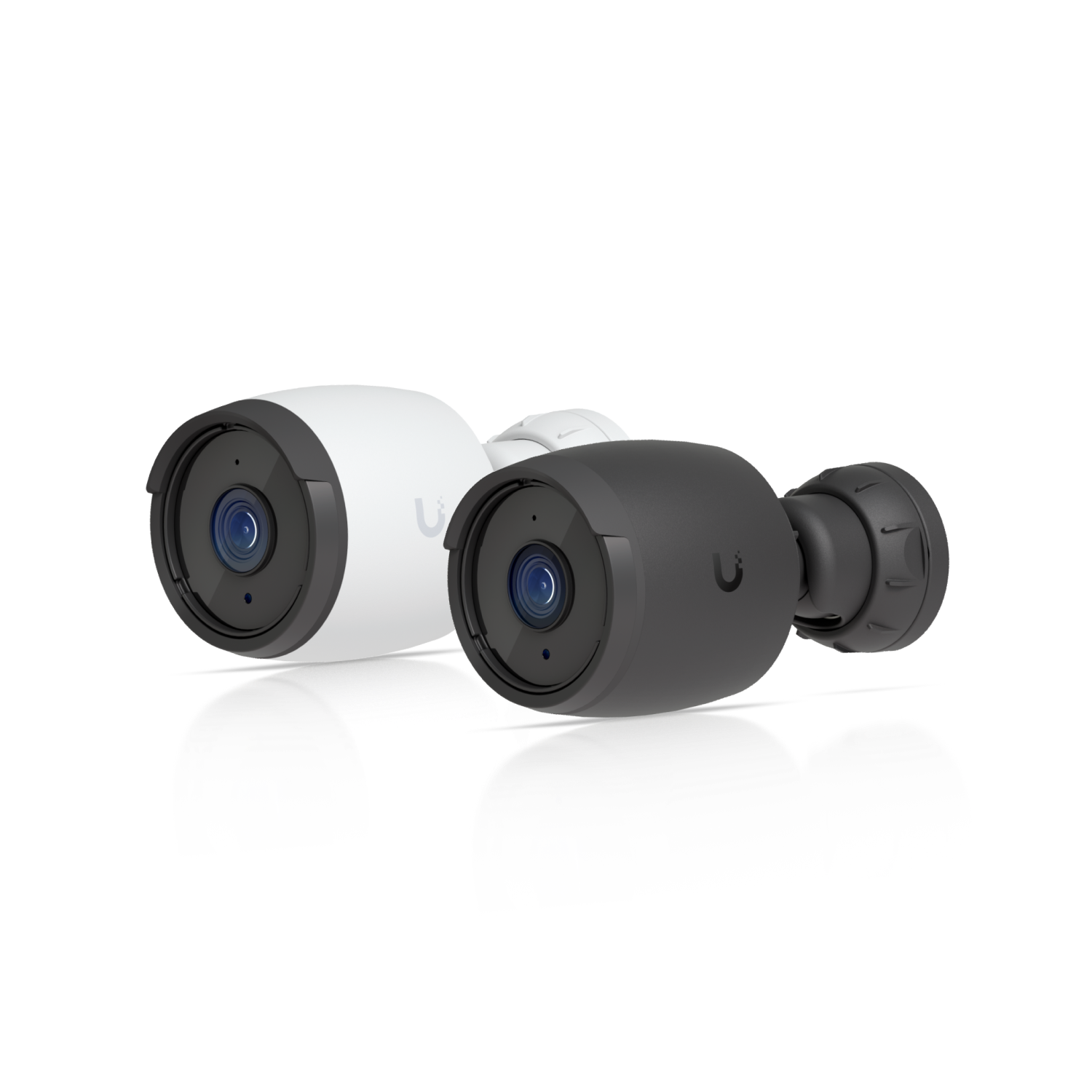
Ubiquiti G6 Bullet camera

The camera for the spot, and a recorder for the footage.

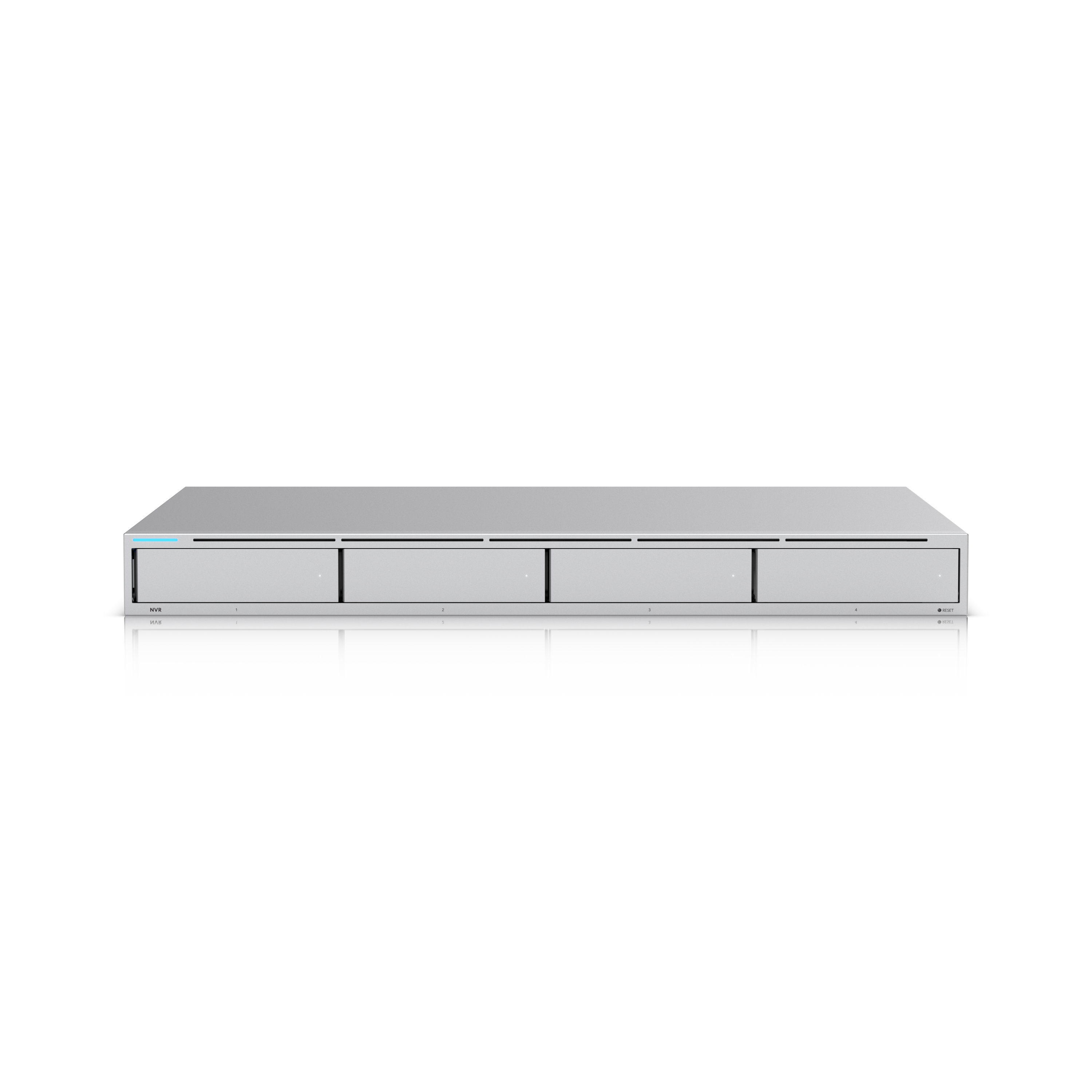
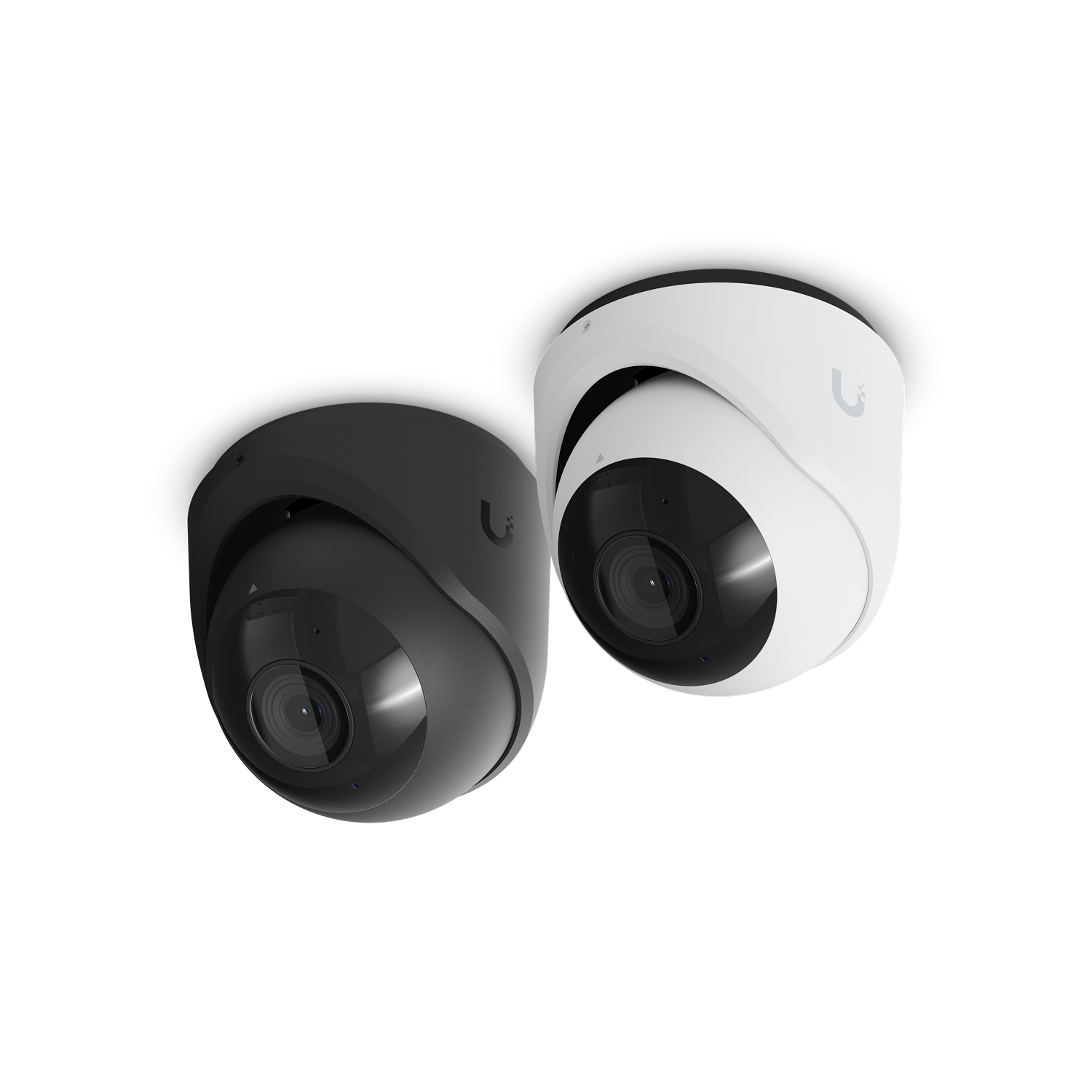
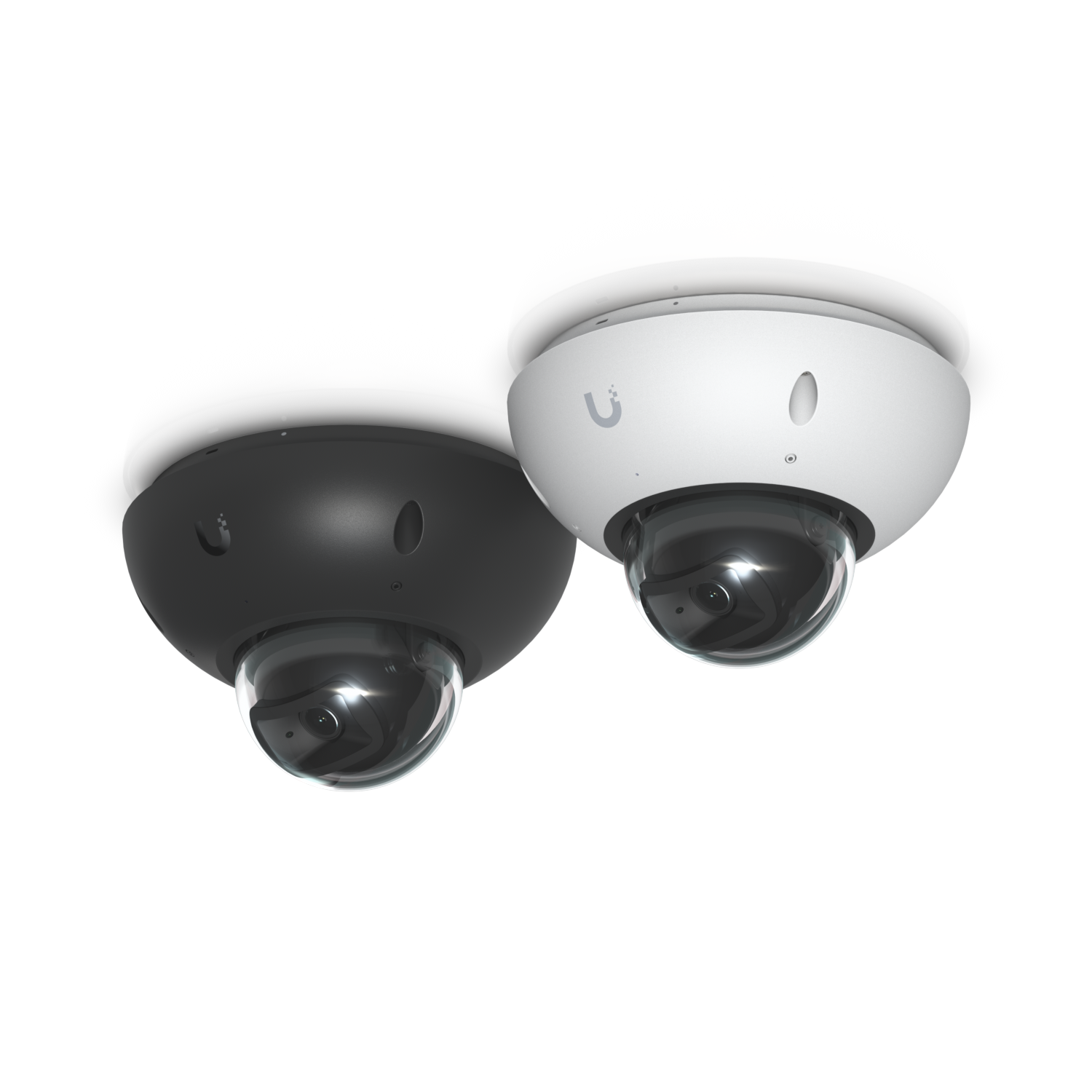
The G6 Bullet, the G6 Turret, and the G6 Dome are the cameras in this lineup. The Network Video Recorder is where this page stores the footage when the building needs a recorder. The survey picks the camera for a ceiling, a wall, or a lot. A new ethernet jack for a camera or the recorder is on the cabling quote. The camera gets its power on that jack.
Ubiquiti G6 Bullet camera
G6 Bullet
Ubiquiti G6 Turret camera
G6 Turret
Ubiquiti G6 Dome camera
G6 Dome
Ubiquiti Network Video Recorder
Network Video Recorder

Ubiquiti product images. They show the hardware. They are not photos of a Trail Cutter job.

Recording and detections stay on site.

UniFi Protect runs on the console in the building.

  1. Recording stays on site. Footage is stored on the customer’s UniFi console, such as the network video recorder. Ubiquiti’s help page says there is no cloud backup of the video by default. Remote viewing connects back to that console.
  2. Detection runs on site. Person, vehicle, face, and plate analysis runs on the camera or on a local accessory. Ubiquiti’s help page says the video does not have to be sent to the cloud for that analysis.
  3. No per-camera license. Ubiquiti’s camera page says the license fee is $0, including the line about 4 or 4,000 cameras. Trail Cutter does not add a camera subscription.
  4. Smart detections. Ubiquiti’s help table lists the G6 / AI series for person detection, vehicle detection, including type and color, line crossing, and audio events such as speech and glass break. The table marks model exceptions, including microphone and 360-camera limits. Face recognition and license plates are on that same table, also with exceptions. This page does not assign those two to the G6 Bullet, the G6 Turret, or the G6 Dome. The estimate names the detections for the camera we propose.
  5. Zones. A smart-detection zone chooses where detections count. An exclusion zone ignores a noisy spot such as a road or a tree. A privacy zone blacks out a region so it is not recorded.
  6. Recording choices. Always, detections only, or off, plus a schedule. Detection-only recording can keep a short buffer before and after the event.
  7. Alarm Manager. A detection on the console can raise an alert or start another UniFi action. Ubiquiti’s published example is a camera detection playing a message on a speaker.
  8. Finding footage. Timeline and smart-detection search, alerts in the Protect mobile app, and Case Manager for grouping clips into an incident report.
  9. More than one site. Site Manager and Vantage Point can show cameras from more than one console, when the customer has more than one site.

The AI Key and the AI Port are optional add-ons. They are not part of the G6 Bullet, Turret, or Dome. The AI Key is for clothing and accessory description, speech-to-text, AI summaries, and enhanced alarms. The AI Port is for older UniFi cameras and for ONVIF cameras from another brand.

Temperature, water, and air quality.

The Environmental Sensor watches temperature, humidity, and water. The air-quality sensor watches carbon dioxide, fine particles, and the air-quality index. Both show up in the same Protect app. A sensor request uses the form on the sensors page.

Request a sensor survey

Offices, warehouses, and buildings already in use.

Office

A lobby, a hall, and the rooms the staff list cares about.

Warehouse

A floor, a dock door, and the yard the survey can cover.

New construction and tenant finish

Camera jacks go in while the ceiling is open.

Building already in use

Add a camera without treating the building as a new project.

How it starts

  1. Tell us about the building with the form on this page: new cameras, more cameras, a recorder, or a look at Protect already on site.
  2. We look at the site. Mounting spots, the closet, and the jacks decide the work.
  3. You get a written estimate that names the scope.
  4. We do that scope.

Kansas City metro, Liberty, and Leavenworth County.

Camera security covers the Kansas City metro, including Liberty, Missouri, and Leavenworth County. Leavenworth, Lansing, Basehor, and Tonganoxie are in that county. Call so we can confirm your address.

Product films

Introducing: Protect Generation 6 Cameras. The film also shows the G6 Instant, which is not in this lineup.
Introducing Our Next-Gen Dome Cameras. The film also shows the G6 180 and the G6 Pro 360, which are not in this lineup.

Common questions

Where is the video stored?

On the UniFi console at the site. On this page that console is the network video recorder when the building needs one. Ubiquiti’s help page says there is no cloud backup of the video by default. Watching it from somewhere else connects back to that console.

Is there a fee for each camera?

Ubiquiti’s camera page lists the license fee as $0. Trail Cutter does not add a per-camera subscription. Hardware and the work are on the written estimate.

What can the cameras detect?

Ubiquiti’s help table lists person and vehicle detection for the G6 / AI series, and it marks model exceptions. Face recognition and license plates are on that same table, also with exceptions. The estimate names the detections for the Bullet, Turret, or Dome we propose. A zone chooses where a detection counts. A privacy zone can black out a region so it is not recorded.

Can the system record only when something happens?

Yes. Protect can record always, only on a detection, or not at all, and it can follow a schedule.

Who installs the ethernet jack?

A new jack for a camera or the recorder is on the cabling quote. This page is the camera, the recorder, and the Protect setup.

What about temperature, water, and air quality?

Those readings show up in the same Protect app. They are on the sensors page. A sensor request uses the form on that page.

How much does it cost?

We look at the building and send a written estimate. Camera count, the mounting spots, and whether a recorder is already there all change the number. We do not publish a per-camera price.

Tell us about the building.

We look at the site and send a written estimate for the cameras: new cameras, more cameras, a recorder, or a look at Protect already on site.

What do you need?

Choose at least one.

Rooms or lots to cover, and about how many cameras.

Or call (913) 306-8999.